Proudly designed and optimized on a MacBook Neo.
Version 10.4 · notarized by Apple · free test build · macOS 14 or later on Apple Silicon
Today's site visit went well, send the summary over and I'll review it tonight. The contractor confirmed the retaining wall passed inspection, and the tile samples arrive Thursday.
Word Error Rate on named public datasets, measured through the exact app you download — dated, sample-sized, reproducible. Most dictation products publish accuracy claims with no benchmark named at all. We publish the number and the method. And we're open about what's inside: NVIDIA's leaderboard-class Parakeet as the base ear, plus the Fabled Flow Editor — our own editing and protection machinery on top of the voice-to-text engine, which no wrapper ships. It edits like a professional — without ever changing a word you said.
| Product | Standard test (clean) | Noisy test | Benchmark named? |
|---|---|---|---|
| Fabled Flow | 3.13% WER | 4.84% WER | Yes |
| 2026 leaderboard leaders | 0.92% WER | 1.88% WER | Yes |
| Wispr Flow | no public benchmark | No | |
| Willow Voice | self-scored, private synthetic set | No | |
| Spokenly | no public benchmark | No | |
Lower WER is better. Measured 2026-08-08 on the COMPLETE LibriSpeech test sets — every utterance, zero excluded — through the full shipping pipeline.
Hold one key, speak, let go — polished text appears wherever your cursor is. Mail, browsers, documents, chat, code editors. If you can type there, you can flow there.
Hold the fn key and speak. Release, and the text lands at your cursor — punctuated, capitalized, cleaned of "um" and "uh".
Tap fn + space (or click the pill) and dictate long-form without holding anything. Tap again to stop.
A personal dictionary teaches it names and brand words once — and protects everyday words from ever being rewritten.
Word-for-word fidelity is the product's first rule: nothing invented, nothing lost. Phone numbers, prices, times, IP addresses, and web addresses come out the way you'd type them. Even complicated codes: try dictating A47_MAN/59-138(B) in your favorite dictation app — then try it here.
Or a quoted reference: I remember "when the discussion was being held in March" (page 43, *5B).
Or a Bangkok address, with the Thailand country pack on: Unit 24-15, Soi 32, Phrom Phong, Sukhumvit, Bangkok.
Everything — recording, recognition, formatting — happens on your Mac's own Neural Engine. No cloud transcription. No audio uploads. Recordings are processed and gone; only the finished text is kept, locally, in your History.
Speech recognition runs on your Mac's Neural Engine — and AI formatting runs entirely on device too, on Apple Intelligence or a local backup model. Dictation works with Wi-Fi off.
Recordings are transcribed and released. Your last few dictations are kept only on your Mac for troubleshooting, overwritten automatically — nothing is uploaded.
Anonymous usage statistics (daily word counts), a version check — and audio only from voice dictations you make inside a feedback report. That's everything.
Some dictation apps quietly store a screenshot of your screen with every dictation — we found them doing it during our head-to-head testing. We read one text box's text once, to notice your own corrections, and forget everything but your fix. Read the full privacy promise →
Local processing means no round trip to a server: your text is ready about half a second after you stop speaking, pasted in about one. And because Fabled Flow is native — not a bundled browser — your battery barely notices it.
From releasing fn to text landed at your cursor — typical dictation, AI formatting off.
When optional AI formatting restructures the text — still entirely on your Mac.
Server round-trips. Longer dictations take only as long as the on-device engine needs.
| App | Speed (speech end → all text arrives) | Memory while recording | CPU when idle | Where your audio goes |
|---|---|---|---|---|
| Fabled Flow | 0.5–0.8s | 78 MB | 0.0% | Nowhere — stays on the Mac |
| Wispr Flow | 0.9–1.3s | ~1,120 MB | 3.4% | Cloud servers |
| Spokenly | not measurable | ~115 MB | 0.0% | Cloud by default; local options available |
Measured July 2026 on a MacBook Neo (8 GB), one app at a time, same recordings; speed is end-of-speech to text ready, English. Spokenly's timing isn't measurable end-to-end. Full methodology on the benchmarks page.
Optional AI formatting — one feature of the Fabled Flow Editor — runs on your Mac's own Apple Intelligence. Where Apple Intelligence falls short, a local backup model does the same job entirely offline: sometimes a touch slower, and it can cover languages Apple's model doesn't.
Hold fn, tap Z, keep holding fn — AI formatting toggles any time, even mid-dictation. Tap Z again to turn AI mode off.
AI formatting may only rearrange — every output is checked word-for-word against what you said, and anything less is rejected. Your words, your text, always.
Pause while you think — Fabled Flow starts a new paragraph, not a broken sentence.
English, all major European languages, Chinese (Simplified, Traditional and Cantonese), Japanese and Korean — all processed locally.
Fourteen colorways theme the whole app and the Flow Bar — including all four MacBook Neo finishes, matched to the machine on your desk.
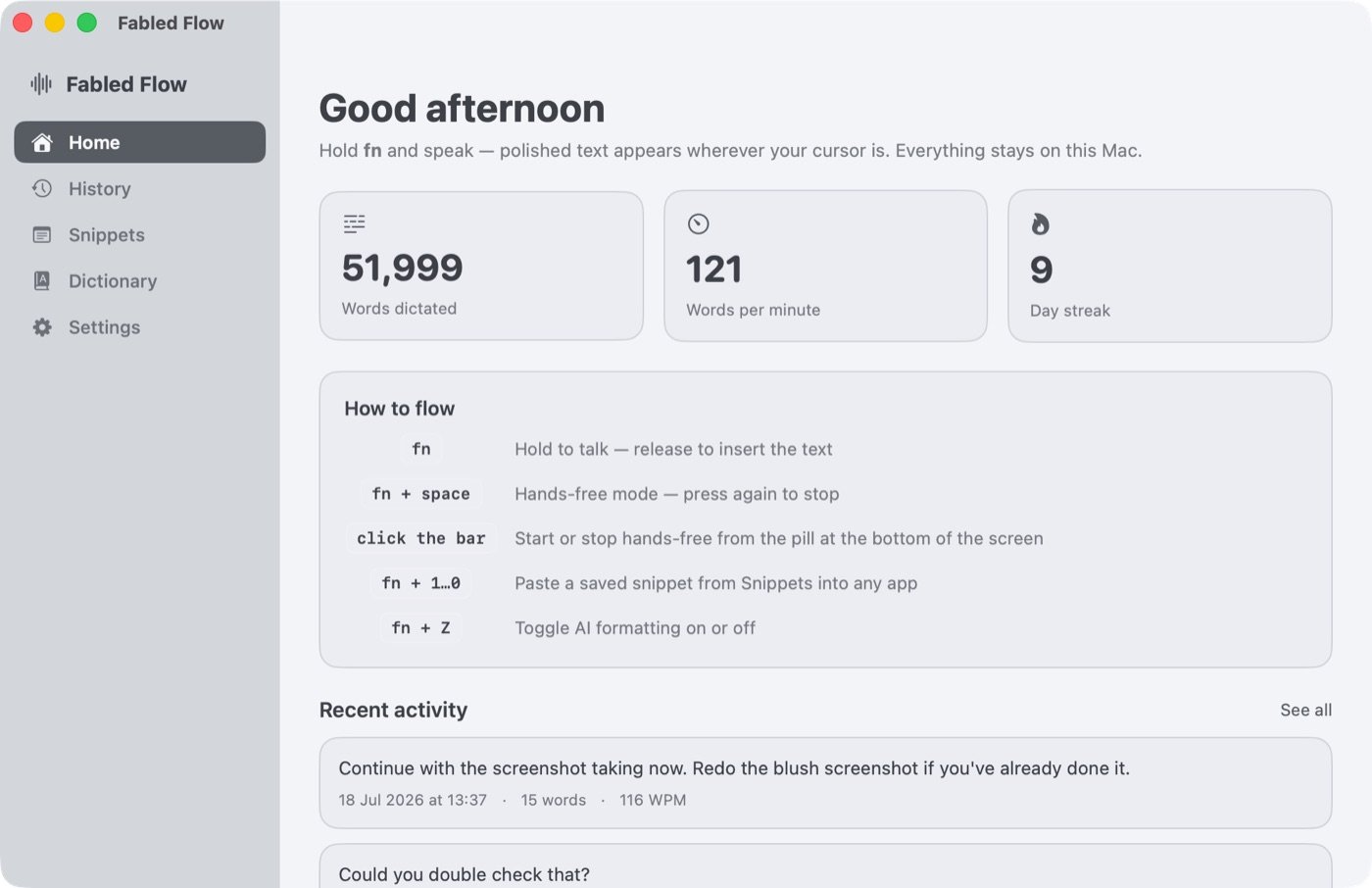
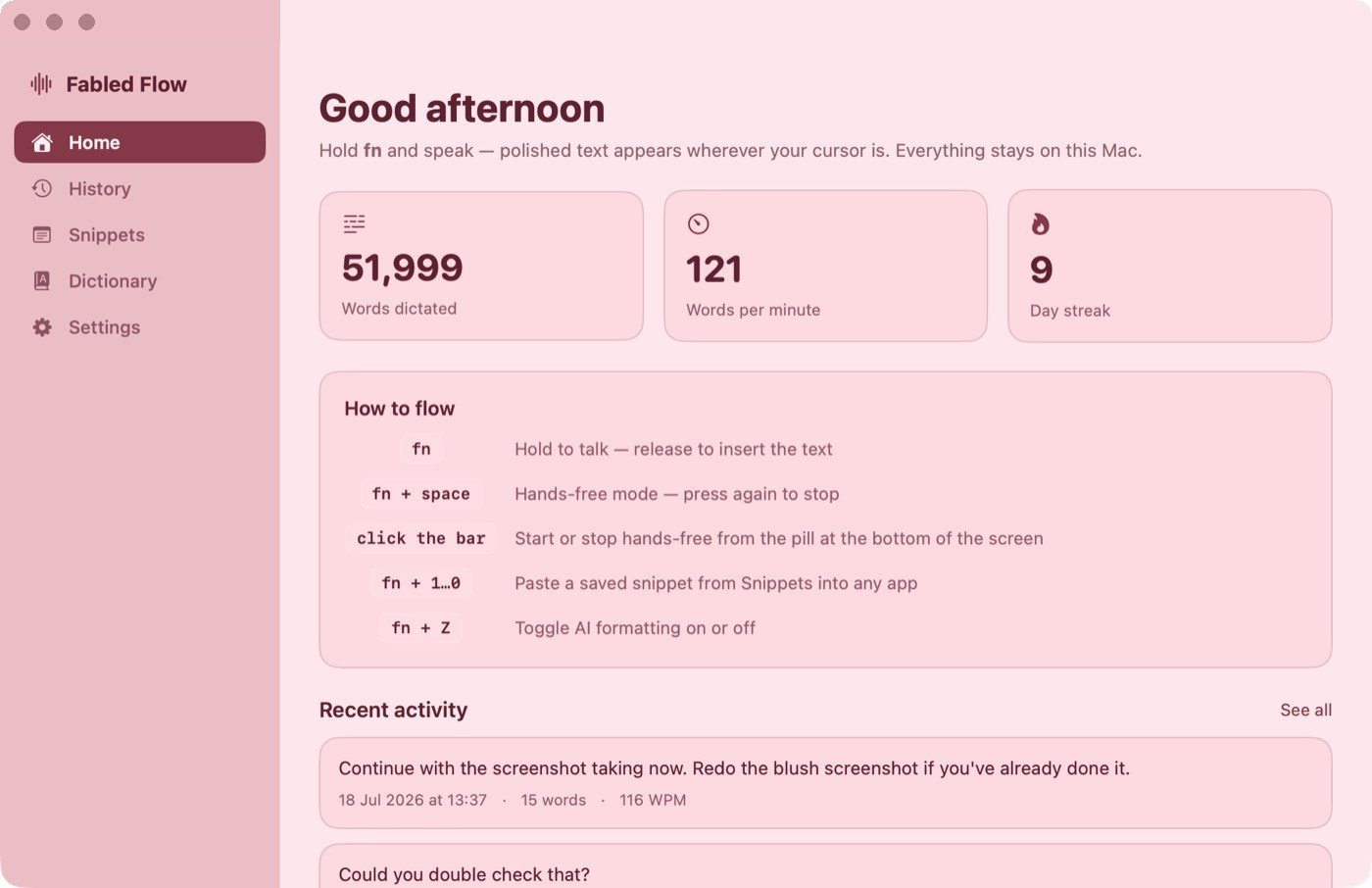
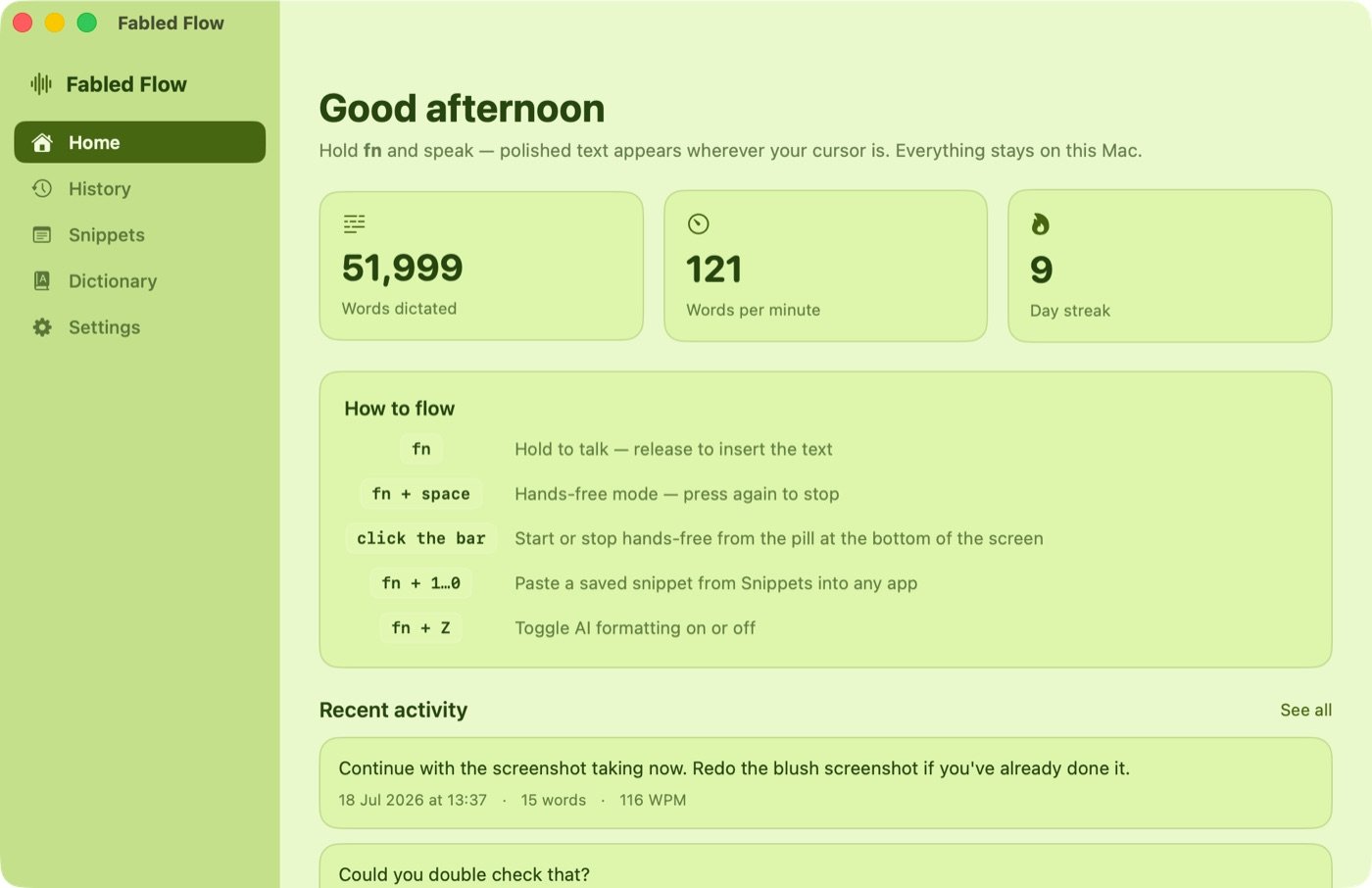
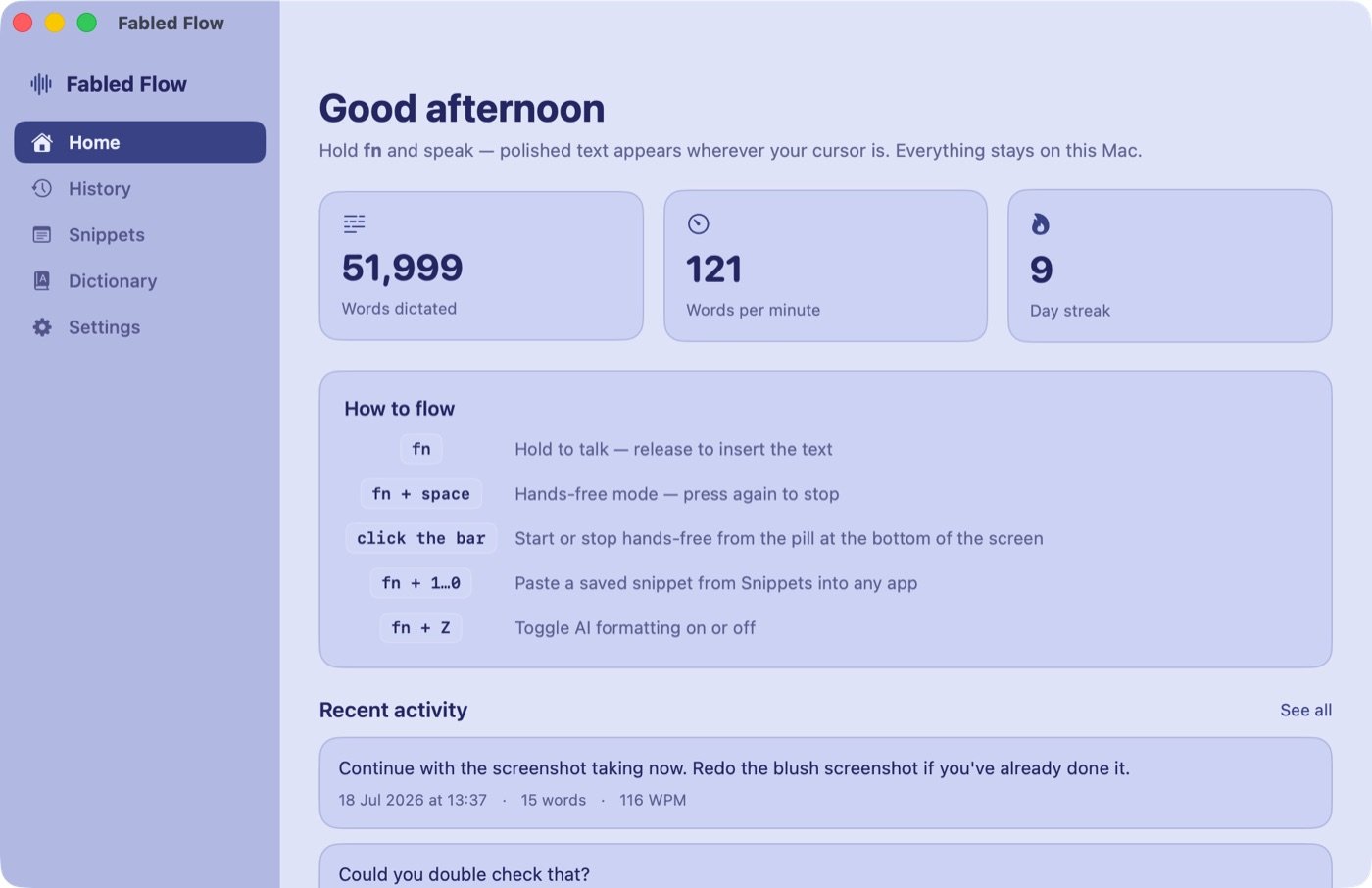
Free test build. Under a minute from download to first dictation.
Download Fabled Flow 10.4 for macOSAlso available: Windows (early tester build) · iPhone & Android — coming soon
Mac: macOS 14 or later on Apple Silicon (M-series).
Apple Intelligence formatting needs macOS 26 — on earlier versions the
built-in backup model takes over automatically.
Windows: Windows 10/11, 64-bit.
About 1.5 GB of disk for the app and its speech model.
1. Extract the zip and run FabledFlow.exe from the
extracted folder — not from inside the zip window. (If the zip
seems stuck: right-click → Properties → Unblock.)
2. Windows will warn once ("Windows protected your PC") because this
early tester build isn't yet signed: click More info →
Run anyway. That's a one-time step.
3. Sign in from the tray icon, then hold Right Ctrl and speak.
Fabled Flow is signed and notarized by Apple — it opens with no
security warnings, nothing to right-click past.
1. Open the DMG and drag Fabled Flow into Applications,
then double-click it.
2. Grant the two permissions it asks for — Microphone
(to hear you) and Accessibility (to place text at your
cursor). Setup walks you through both, and they survive every
future update.
3. Hold fn and speak.
Questions, problems, or feedback? Use the Feedback box inside the app (Settings → Feedback) — or email login@fabledflow.com and we'll get back to you.
Really. The speech models run on your Mac's Neural Engine, and dictation works with the network switched off. The app's only network traffic is a one-time model download, an update check, and an anonymous usage counter — never audio, never text.
The current test builds are free for 90 days from release. Pricing for the full product will be announced later — testers will hear it first.
Any Apple Silicon Mac (M1 or newer) on macOS 14 or later. It's tuned to shine on the MacBook Neo, including the 8 GB models. Intel Macs aren't supported — the local speech engine needs the Neural Engine.
An early Windows tester build is available above. iPhone and Android versions are in development — the same local-first design, no cloud.
96.87% word accuracy on the industry's standard test — measured on the complete test set through the exact app you download, and published beside the open leaders' numbers, where competitors publish none. Why we're accurate is the accuracy page; every measured number is on the benchmarks page.
 Fabled Flow